How To Find People On Pinterest: Easily Search Users, Accounts & Profiles
Unlocking the power of Pinterest hinges on connecting with the right individuals, making it crucial to know how to find people on pinterest effectively. This guide, designed for the no-nonsense user, cuts through the fluff and delivers actionable strategies to enhance your Pinterest experience within the Blog category. We’ll explore the nuts and bolts of searching by name, leveraging email addresses, and using advanced search techniques to pinpoint specific profiles. Beyond simple searches, we’ll delve into how to uncover hidden connections through mutual followers, boards, and group boards. Master these tactics and transform your Pinterest presence in 2025, building a network that fuels your inspiration and expands your reach.
Understanding Pinterest Search and User Privacy
Understanding Pinterest search and user privacy is crucial for anyone aiming to find people on Pinterest responsibly and effectively. Pinterest, as a visual discovery engine, offers various search functionalities. However, navigating these tools while respecting user privacy requires a balanced approach. This section explores how Pinterest’s search works and highlights the importance of ethical considerations when searching for individuals on the platform.
Pinterest collects data to personalize user experience and improve search relevance. This data includes:
- Pins saved: Pins that a user saves to their boards.
- Boards created: The topics that a user is organizing.
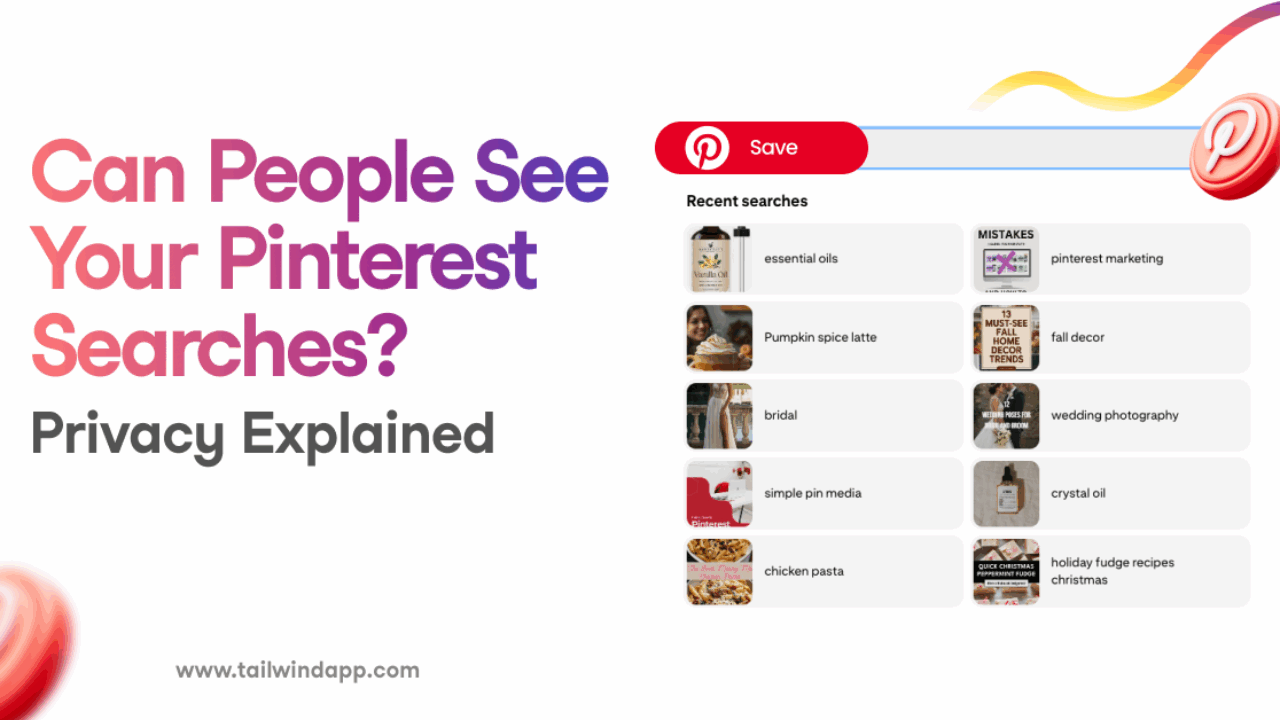
- Searches performed: Keywords and terms users enter into the search bar.
- Websites visited: Pinterest tracks user activity on other websites when the Pinterest save button is used.
Pinterest users have several privacy settings to control their information and online visibility. Users can make their profiles private, hide boards, and control who can follow them. It’s crucial to respect these settings when searching for people on Pinterest. Ignoring these safeguards not only violates Pinterest’s terms of service but also poses ethical concerns. Therefore, leveraging Pin Video Downloader‘s tools responsibly necessitates understanding the boundaries of user privacy on Pinterest.

Leveraging Pinterest’s Builtin Search Features to Find People
Pinterest offers a suite of integrated search functionalities that empower users to find people directly within the platform, beyond simply discovering inspiring ideas or products. These built-in tools provide a convenient and intuitive way to connect with individuals who share similar interests, aesthetics, or even real-life connections. Effectively utilizing these features can significantly enhance your Pinterest experience, whether you’re looking for collaborators, friends, or simply expanding your network.
One fundamental method is using the Pinterest search bar strategically. This involves not just typing in a name, but also thinking about related keywords and terms that the person might use in their profile or boards. For instance, instead of just searching “Jane Doe,” try “Jane Doe Photography” if you know she’s a photographer. This approach significantly narrows down the results and increases the likelihood of finding the specific individual you’re seeking.
Beyond the basic search bar, Pinterest offers people search filters that allow you to refine your search based on various criteria. You can filter by location, which is especially useful if you’re looking for people in a specific area. Furthermore, you can explore suggested users based on your existing network and interests, potentially uncovering new connections that align with your preferences. These filters provide a powerful way to navigate the vast Pinterest user base and pinpoint individuals who are relevant to your search.
Using Pinterest Username Search For Targeting Your Query
Leveraging the Pinterest username search is a direct and efficient method for how to find people on Pinterest, especially when you have prior knowledge of their username. Unlike broader searches, this approach allows you to bypass generic results and pinpoint specific individuals, streamlining your search process. This targeted approach ensures you quickly locate the Pinterest user you’re looking for, saving time and effort compared to sifting through countless profiles.
Searching by username offers a significant advantage in accuracy. When you know a person’s exact username, the possibility of encountering irrelevant profiles significantly decreases. This is particularly useful when searching for individuals with common names or those who have not fully optimized their Pinterest profiles for broader discovery. By utilizing the username, you’re essentially using a unique identifier to find people on Pinterest, leading to more precise and immediate results.
The ability to target your query directly using the username can be valuable for various purposes. Whether you’re looking to connect with a specific influencer, a potential collaborator, or a friend you know is on Pinterest, having their username allows you to cut through the noise and immediately access their profile. For AI-powered platforms like Pin Video Downloader, understanding how users interact and share content is crucial. Username search enables precise data collection and analysis, helping refine search algorithms and enhance user experience.

Utilizing Reverse Image Search to Identify Pinterest Users
Reverse image search offers a powerful alternative method to find people on Pinterest when you have an image but lack usernames or other identifying information. This technique leverages search engines’ ability to analyze visual content and identify visually similar images online, potentially leading you to the Pinterest profile associated with the original image. Reverse image search enhances your ability to find Pinterest users effectively when traditional methods prove insufficient, bridging the gap between visual content and user identification.
How Reverse Image Search Works on Pinterest
Reverse image search functions by analyzing the visual characteristics of an uploaded image and comparing it to billions of images indexed on the web. When you upload an image to a reverse image search engine, it creates a digital fingerprint of the image based on its colors, shapes, and textures. The search engine then scours its database for images with similar fingerprints, presenting you with a list of visually related results. This is beneficial for identifying the origin of an image found on Pinterest, which can help you discover the associated Pinterest account. The process essentially involves using the image as a query, allowing you to navigate from the visual content to its source, and eventually to the Pinterest user behind it.
Popular Reverse Image Search Engines and Their Use Cases
Several reverse image search engines are available, each with its strengths and weaknesses:
- Google Images: Widely used for its extensive image index and user-friendly interface, Google Images allows you to upload an image or paste an image URL to initiate a search. It’s particularly useful for finding exact matches and visually similar images on Pinterest and across the web.
- TinEye: Specializing in image recognition, TinEye focuses on identifying where an image has appeared online. It’s excellent for tracing the origins of an image, even if it has been modified or resized, and can pinpoint Pinterest profiles that have used the image.
- Yandex Images: This search engine is known for its advanced image recognition capabilities, often outperforming Google Images in identifying similar images with subtle variations. Yandex Images can be particularly effective for finding Pinterest users who have used slightly altered versions of an image.
Choosing the right reverse image search engine depends on the specific image and the goal of your search. If you’re looking for exact matches, Google Images might be sufficient. However, if the image has been altered, TinEye or Yandex Images might provide better results in your quest to find people on Pinterest.
Exploring Third-Party Pinterest User Search Tools (Use with Caution)
While Pinterest’s built-in search functionality offers a solid foundation for finding people, numerous third-party Pinterest user search tools exist that promise enhanced discovery capabilities. However, it’s crucial to approach these tools with caution, as their reliability, security, and adherence to Pinterest’s terms of service can vary significantly, and using these tools might not be ideal for how to find people on Pinterest.
Many external platforms provide alternative ways to search for Pinterest users, often claiming to offer more granular filtering or access to data not readily available through Pinterest’s native search. While some of these tools might offer a wider range of search parameters, like location-based searches or advanced keyword combinations, it’s important to be aware of the potential risks. The use of these tools can be a quick solution; however, it can also result in privacy issues and security breaches that may compromise your account.
Before utilizing any third-party Pinterest search tool, consider the following:
- Data Privacy: Determine how the tool collects, stores, and uses your data. Read the privacy policy carefully.
- Security Risks: Assess the potential for malware, phishing scams, or unauthorized access to your Pinterest account.
- Terms of Service Violations: Understand whether using the tool violates Pinterest’s terms of service, which could lead to account suspension or termination.
- Accuracy and Reliability: Evaluate the tool’s track record for providing accurate and up-to-date information. User reviews and testimonials can be helpful.
- Reputation of the Developer: Research the developer or company behind the tool to ensure they are reputable and trustworthy.
Examples of such tools include various browser extensions or websites that claim to enhance Pinterest search. However, due to the dynamic nature of the online landscape, the availability and safety of specific tools can change rapidly. Always prioritize security and privacy when considering external solutions. If you are a regular user of Pin Video Downloader, be sure to use our product safely and don’t risk your account by using potentially harmful tools.
Ethical Considerations and Privacy Concerns When Searching for Individuals on Pinterest
When exploring how to find people on Pinterest, it’s crucial to acknowledge the ethical considerations and privacy concerns involved in searching for individuals on the platform. Respecting user privacy and adhering to ethical guidelines are paramount when utilizing Pinterest’s search functionalities or external tools. Ignoring these aspects can lead to breaches of trust, legal repercussions, and damage to your reputation or the reputation of your brand, Pin Video Downloader.
Searching for individuals on Pinterest can raise several ethical dilemmas. While Pinterest profiles are often public, this doesn’t automatically grant you the right to access or utilize personal information indiscriminately.
Here are some crucial aspects to consider:
- Transparency and Consent: Before attempting to find someone on Pinterest, reflect on your motivations. Are you transparent about your intentions, or are you trying to gather information without their knowledge? Obtaining consent, when possible, is always the ethical choice.
- Data Minimization: Only collect the information necessary for your stated purpose. Avoid gathering excessive personal data or delving into areas unrelated to your initial objective.
- Respecting Privacy Settings: Pinterest users have control over their profile visibility. If someone’s profile is set to private or limits the information shared, respect their choices. Avoid trying to circumvent these settings.
- Avoiding Stalking and Harassment: Under no circumstances should you use Pinterest search features to stalk, harass, or intimidate individuals. Such behavior is not only unethical but also potentially illegal.
- Responsible Use of Information: Be mindful of how you use any information you gather. Avoid sharing personal details publicly without consent, and refrain from using data in ways that could be harmful or discriminatory.
The use of third-party Pinterest user search tools introduces further ethical considerations. Many of these tools scrape data from Pinterest profiles, potentially violating the platform’s terms of service and user privacy expectations. Before using any third-party tool, carefully evaluate its data collection practices and privacy policies. Be wary of tools that promise access to private information or offer features that seem unethical or intrusive. As Pin Video Downloader, we strongly recommend caution when using such tools, as their actions could reflect negatively on your brand.
Ultimately, responsible searching for individuals on Pinterest necessitates a commitment to ethical principles and respect for user privacy. Always prioritize transparency, data minimization, and responsible use of information to ensure your actions are aligned with ethical standards and legal requirements. This approach safeguards both your integrity and the privacy of those you are searching for.
Beyond Basic Search: Advanced Techniques for Finding Specific People on Pinterest
While basic Pinterest search offers a starting point, uncovering specific individuals often requires employing advanced techniques to refine your approach. Moving beyond simple keyword entries and embracing strategic methodologies dramatically increases your chances of success in finding people on Pinterest. This section explores how to leverage the platform’s features and external tools for pinpoint accuracy.
To elevate your search capabilities on Pinterest, consider the power of combining keywords with filters for targeted results. By strategically layering keywords describing interests, location, or affiliations with Pinterest’s built-in filters, you can narrow down the vast user base to a more manageable subset. For example, searching “graphic designer London” and then filtering by “People” will yield a more relevant list than a generic search.
Another effective tactic involves exploring related pins and boards for valuable clues. Pinterest operates as a network of interconnected ideas; therefore, examining the pins and boards of individuals who share similar interests or connections can lead you to your desired target. Look for patterns in their activity and follow the trail of related pins and boards to uncover potential leads. This method is particularly useful when you have partial information or a general idea of the person’s interests.
Finally, remember to approach third-party tools with caution, as outlined later in this article. While they might offer additional search capabilities, prioritize ethical considerations and respect for user privacy throughout your search process.
Interpreting Pinterest Profiles: Decoding User Information
Unlocking the insights hidden within Pinterest profiles is crucial when you’re trying to find people on Pinterest. Think of each profile as a digital footprint, offering clues about a user’s interests, affiliations, and even their identity. By carefully analyzing the different elements of a Pinterest profile, you can piece together a more complete picture of the individual you’re searching for. This section will delve into how to dissect profile information to enhance your search efforts.
Analyzing Pinterest profiles effectively requires a keen eye for detail. We need to look beyond the superficial aspects, such as profile pictures and usernames, to uncover the more telling details hidden within bios, boards, and pin activity. Understanding these elements helps refine your search, enabling you to identify individuals and discern crucial information.
Analyzing Profile Bios and Descriptions
A user’s bio and description is prime real estate for self-expression. It is also extremely important for how to find people on Pinterest. This is where individuals often share snippets of information about themselves, such as their profession, hobbies, location, or personal philosophies. Pay close attention to keywords and phrases that might help you identify the person you’re looking for.
For example, if someone describes themselves as a “travel enthusiast” and mentions specific destinations, like “Bali” or “Kyoto,” this information can be used to narrow down your search. Look for clues about their interests and affiliations. Do they mention any specific brands, organizations, or communities they belong to? These details can serve as valuable leads in your people search.
Examining Boards and Pins for Insights
Boards and pins are powerful indicators of a user’s tastes and interests. Each board typically represents a specific theme or topic, while the pins within those boards reflect the user’s curated collection of ideas, inspiration, and resources. Analyzing these elements provides insights into their passions, hobbies, and areas of expertise.
By examining the boards and pins a user saves, you can infer their lifestyle preferences, professional interests, and even their values. For example, someone with a board dedicated to “sustainable living” likely cares about environmental issues. Or, someone who uses the AI Pin Video Downloader might be in Marketing, Video Editing or content creation fields. Scrutinize the images, descriptions, and links associated with each pin. These details often contain keywords or phrases that can help you verify their identity or find more information about them elsewhere online.
Understanding Following/Follower Relationships
The following/follower network on Pinterest provides another layer of context for interpreting Pinterest profiles. By examining who a user follows and who follows them, you can gain insights into their connections, communities, and areas of influence.
Analyzing following/follower relationships reveals information about the user’s network and potential connections. Look for patterns or clusters of users who share similar interests or affiliations. For instance, if someone follows several accounts related to a specific industry, they may be professionally involved in that field. Conversely, if they’re followed by many users within a particular community, it suggests they’re an active and influential member of that group. Examining mutual connections can lead to other clues and potential points of contact.
Want to connect with specific individuals? Discover easy methods to find people, accounts, and profiles on Pinterest.