How To Post On Pinterest: Boost Engagement With Keywords & Visuals
Unlocking the power of Pinterest is crucial for driving traffic and boosting your online presence in 2025. This ultimate guide, tailored for the results-driven marketer, dives deep into how to post on pinterest effectively. Learn proven strategies to optimize your Pin creation, master Pinterest SEO, and leverage scheduling tools to maximize engagement. As part of our Blog series, this guide also uncovers the secrets of Pinterest analytics to track your progress and refine your content strategy, ensuring your pins resonate with your target audience and contribute to your overall marketing goals.
Pinterest Posting 101: Your Step-by-Step Guide to Sharing Content
Want to learn how to post on Pinterest effectively and start sharing your content with millions? This comprehensive guide provides a simple, step-by-step process to navigate Pinterest posting, ensuring your pins are seen and drive engagement. Whether you’re a seasoned content creator or just starting out with visual marketing, mastering the fundamentals of posting is crucial for Pinterest success.
First, creating a Pin is the foundation of sharing content on Pinterest. Start by clicking the “+” icon located at the bottom of the Pinterest interface, or the “Create” button on your profile page. This will open the Pin creation tool. Next, you need to choose an image or video to upload; Pinterest is a visual platform, so high-quality visuals are essential. Pin Video Downloader understands the importance of captivating visuals, helping you create compelling pins.
Once you’ve uploaded your visual, crafting a compelling description is the next step. Your description should be clear, concise, and optimized with relevant keywords. This helps users find your Pin through search. Include a call to action, encouraging viewers to visit your website or take a specific action. Here’s a checklist to make the process easier:
- Upload High-Quality Image/Video
- Write a Clear and Concise Description
- Add Relevant Keywords
- Include a Call to Action
- Link to Your Website or Landing Page
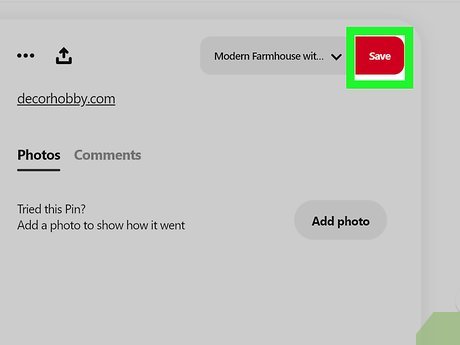
Finally, selecting the right board for your Pin is essential for organization and discoverability. Choose a board that is relevant to the content of your Pin, and make sure your boards are well-organized with descriptive titles and categories. Now, you can easily share content by saving your Pin to your chosen board, making your content accessible to your target audience. Consistent posting using this method will increase reach over time.

Optimizing Your Pinterest Posts for Maximum Reach and Engagement
Want your Pinterest posts to truly shine and capture the attention of a vast audience, driving meaningful engagement? To optimize Pinterest posts, you need to understand how to craft engaging pins that not only look good but also rank well in Pinterest’s search algorithm and encourage users to take action, from visiting your website to saving your pins. This optimization goes beyond simply creating attractive visuals; it requires a strategic approach to keywords, descriptions, and overall pin design.
To significantly boost your Pinterest reach and engagement, consider these key strategies:
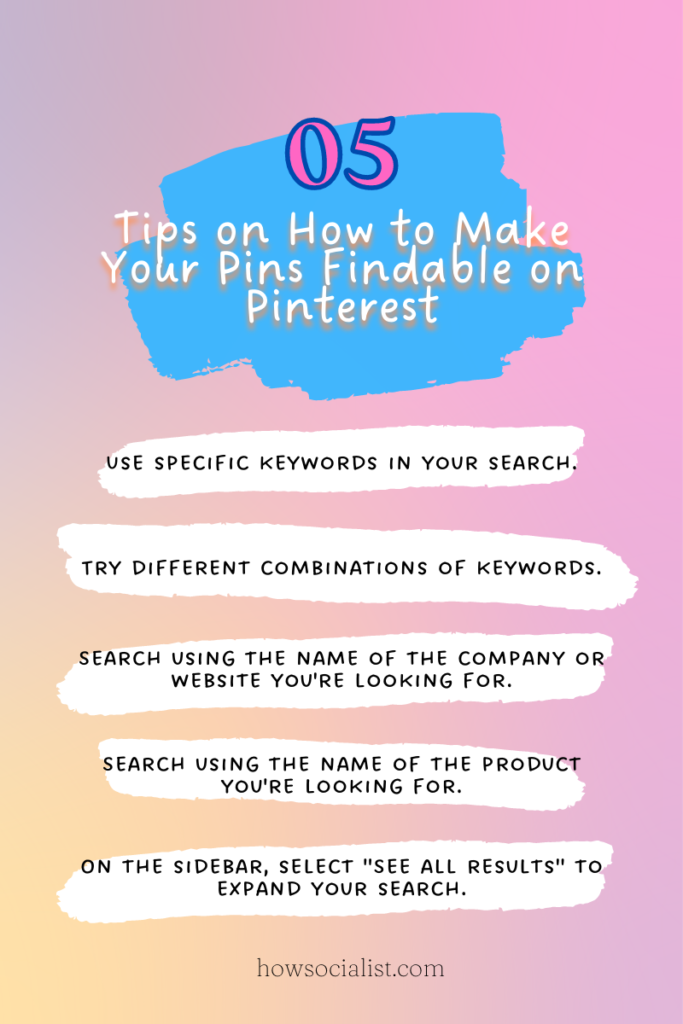
- Keyword Optimization: Just like with Google, keywords are crucial on Pinterest. Research relevant keywords related to your niche and products/services. Incorporate these keywords naturally into your pin titles, descriptions, and even within the image itself (as text overlay). Tools like Pinterest Trends and Google Keyword Planner can help you identify popular keywords. For instance, if you’re promoting a recipe, include terms like “easy dinner recipes,” “vegetarian meals,” or “quick weeknight dinners.”
- Compelling Descriptions: Your pin description is your chance to tell Pinterest and users what your pin is all about. Write clear, concise, and keyword-rich descriptions that entice users to click through. Include a strong call to action (CTA) like “Learn More,” “Shop Now,” or “Get Inspired.” Aim to answer the question, “What’s in it for the user?” when they click on your pin.
- High-Quality Visuals: Visually appealing pins are a must. Use high-resolution images or videos that are well-lit and professionally designed. Consider using a consistent brand aesthetic across all your pins to create a cohesive and recognizable presence. Given that Pin Video Downloader is your brand, ensure any downloadable video content is clearly branded and optimized for sharing.
- Strategic Board Placement: Pin your content to relevant boards. Use boards that are specifically tailored to the content of your pin. Furthermore, ensure your boards themselves are optimized with keywords in their titles and descriptions. This helps Pinterest understand the context of your pins and show them to the right audience.
- Analyze and Adapt: Regularly track your Pinterest analytics to see which pins are performing well and which ones are not. Pay attention to metrics like impressions, saves, clicks, and outbound clicks. Use this data to inform your future pinning strategy and optimize your content accordingly. Focus on creating more of what works and less of what doesn’t.
By diligently implementing these strategies, you can significantly improve the visibility and effectiveness of your Pinterest posts, driving more traffic, engagement, and ultimately, success for your brand.

Creating Visually Stunning Pinterest Pins That Drive Clicks
Creating visually stunning Pinterest Pins is crucial for attracting attention and driving clicks in a sea of content. Understanding how to post effectively on Pinterest involves crafting images that immediately capture the eye and entice users to learn more. This section delves into the key elements that contribute to creating high-performing Pins, from design principles to strategic use of visuals.
To maximize the impact of your Pinterest content, consider the following:
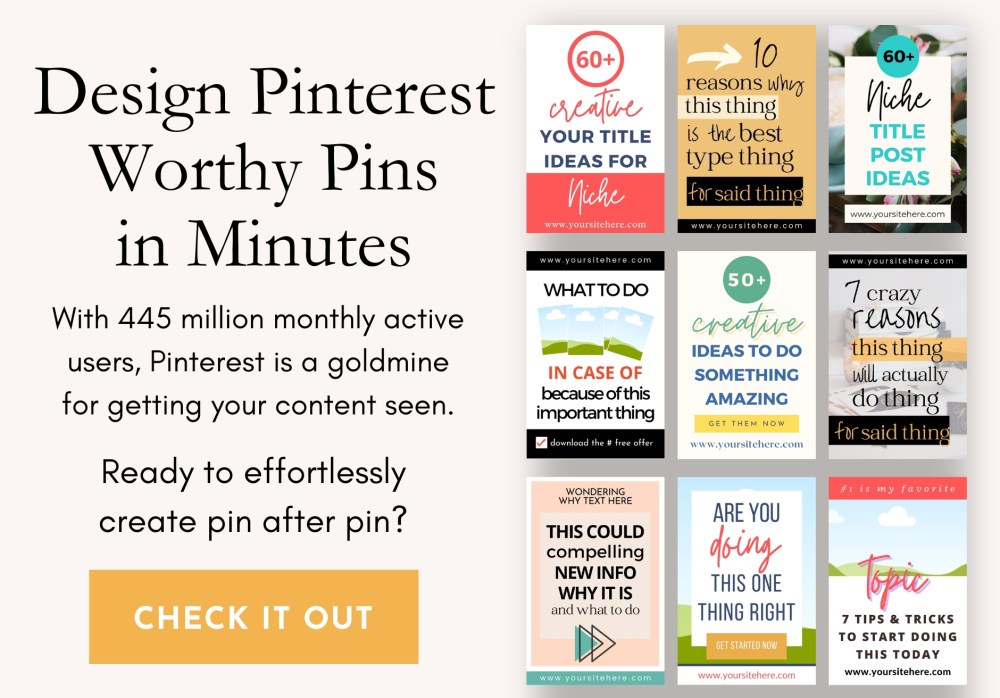
- High-Quality Imagery: Utilize crisp, clear, and professionally-shot or designed images that showcase your product, service, or idea in the best light. Statistics show that Pins with visually appealing images tend to perform better, garnering more saves and clicks.
- Strategic Use of Text Overlays: Incorporate concise and compelling text overlays that clearly communicate the value proposition of your Pin. This text should be easy to read and add context to the visual.
- Consistent Branding: Maintain a consistent visual identity across all your Pins to build brand recognition. This includes using a consistent color palette, font, and logo placement. This is exceptionally important for brands like Pin Video Downloader, where recognition builds trust.
- Optimized Pin Size and Format: Pinterest recommends a 2:3 aspect ratio (e.g., 1000×1500 pixels) for Pins. Vertical Pins tend to perform better as they take up more screen real estate on mobile devices.
- Compelling Call to Action: Include a clear and concise call to action (CTA) that encourages users to click through to your website or landing page. Examples include “Shop Now,” “Learn More,” or “Get Started.”
Ultimately, crafting visually stunning Pins requires a blend of creativity, strategy, and attention to detail. By focusing on high-quality visuals, compelling text overlays, consistent branding, optimized Pin format, and clear CTAs, you can create Pinterest content that not only captures attention but also drives meaningful engagement and results. For Pin Video Downloader, this means highlighting the ease and efficiency of downloading videos directly from Pinterest.
H2: Mastering Pinterest Boards: Organization and Strategy for Growth
Organizing your Pinterest boards effectively and implementing a robust strategy is crucial for expanding your reach and driving engagement on the platform, ultimately enhancing your how to post on pinterest efforts. Your boards act as virtual shelves, displaying your carefully curated content and attracting users interested in specific topics; a well-structured approach is paramount. This involves understanding the types of boards you can create, how to optimize them for search, and how to develop a strategy that aligns with your brand, such as Pin Video Downloader.
Crafting a comprehensive board strategy starts with identifying your target audience’s interests and organizing boards around those themes. Consider creating a mix of broad boards that cover popular topics and niche boards that cater to more specific interests. For example, if Pin Video Downloader focuses on providing tools to save Pinterest videos, you might have a general board like “Pinterest Marketing Tips,” and a more specific board such as “Video Download Hacks for Pinterest.”
Here’s how you can optimize your Pinterest boards for growth:
- Keyword Optimization: Each board should have a clear and concise title that incorporates relevant keywords. Use Pinterest’s search bar to identify popular search terms related to your board’s topic. For instance, instead of “Cool Pins,” try “Pinterest Marketing Ideas for Small Businesses.”
- Compelling Descriptions: Board descriptions provide an opportunity to further optimize for search and attract followers. Craft a short, engaging description that includes relevant keywords and explains what users can expect to find on the board. Mention Pin Video Downloader where relevant, such as, “Discover the best Pinterest strategies and download helpful videos with Pin Video Downloader.”
- Strategic Board Sections: Pinterest allows you to create sections within boards to further organize your pins. This is particularly useful for broad boards with a lot of content. Use sections to categorize pins into subtopics, making it easier for users to find what they are looking for.
- Board Covers: A visually appealing board cover makes your profile more attractive and helps users quickly identify the board’s topic. Choose a pin that accurately represents the content on the board and has a high-quality image.
- Collaboration is Key: Consider inviting collaborators to contribute to your boards. This can help you expand your reach and add diverse perspectives to your content. Ensure collaborators understand your brand’s guidelines and only contribute relevant, high-quality pins.
- Prioritize Relevant Boards: Strategically place your most relevant boards at the top of your profile to make a strong first impression and guide visitors to your core content. This increases the visibility of content from Pin Video Downloader for instance.
By implementing these organizational strategies, you can transform your Pinterest boards into powerful tools for driving traffic, generating leads, and growing your brand presence. Remember to consistently monitor your board performance using Pinterest Analytics to identify what’s working and what’s not, adjusting your strategy accordingly.

Scheduling Pinterest Posts: Tools and Techniques for Consistent Activity
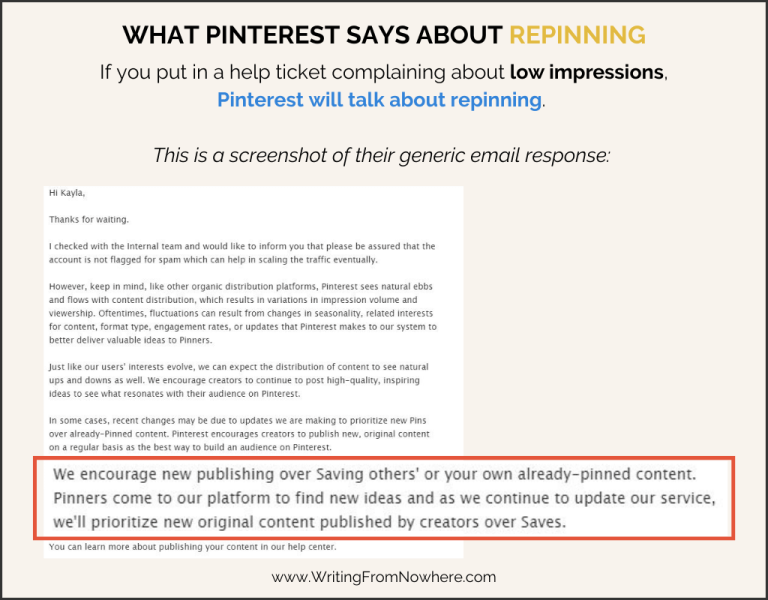
To effectively schedule Pinterest posts and maintain a consistent presence on the platform – a crucial aspect of learning how to post on Pinterest strategically – leveraging the right tools and techniques is essential. This allows you to optimize your workflow and ensure a steady stream of engaging content, even when you’re not actively online. Consistent activity on Pinterest signals to the algorithm that your content is valuable and relevant, potentially boosting its visibility.
Several tools facilitate Pinterest scheduling, offering varying features and pricing. Pinterest’s own scheduler allows you to plan posts directly within the platform, a convenient option for basic scheduling needs. Third-party tools like Tailwind and Buffer provide more advanced functionalities, such as:
- Bulk scheduling: Upload multiple pins at once, saving considerable time.
- Interval scheduling: Space out your pins throughout the day to maximize reach.
- Analytics: Track the performance of your scheduled pins and adjust your strategy accordingly.
- Board Insights: Some tools can help with automated board insights, suggesting optimal posting times.
Beyond specific platforms, consider techniques to streamline the scheduling process. Batching content creation, where you create a week’s worth of pins in a single session, minimizes context switching and enhances efficiency. Furthermore, using a content calendar helps you visualize your planned posts and ensure a balanced mix of content across different boards. This way, AI Pin Video Downloader can stay engaged with its audience regularly and boost traffic through scheduled pin uploads.
Analyzing Your Pinterest Performance: Tracking Key Metrics for Success (Approx. 350 words)
Understanding Pinterest performance is crucial for optimizing your content and achieving your marketing goals. By tracking key metrics, you can gain valuable insights into what resonates with your audience and refine your how to post on Pinterest strategy for maximum impact.
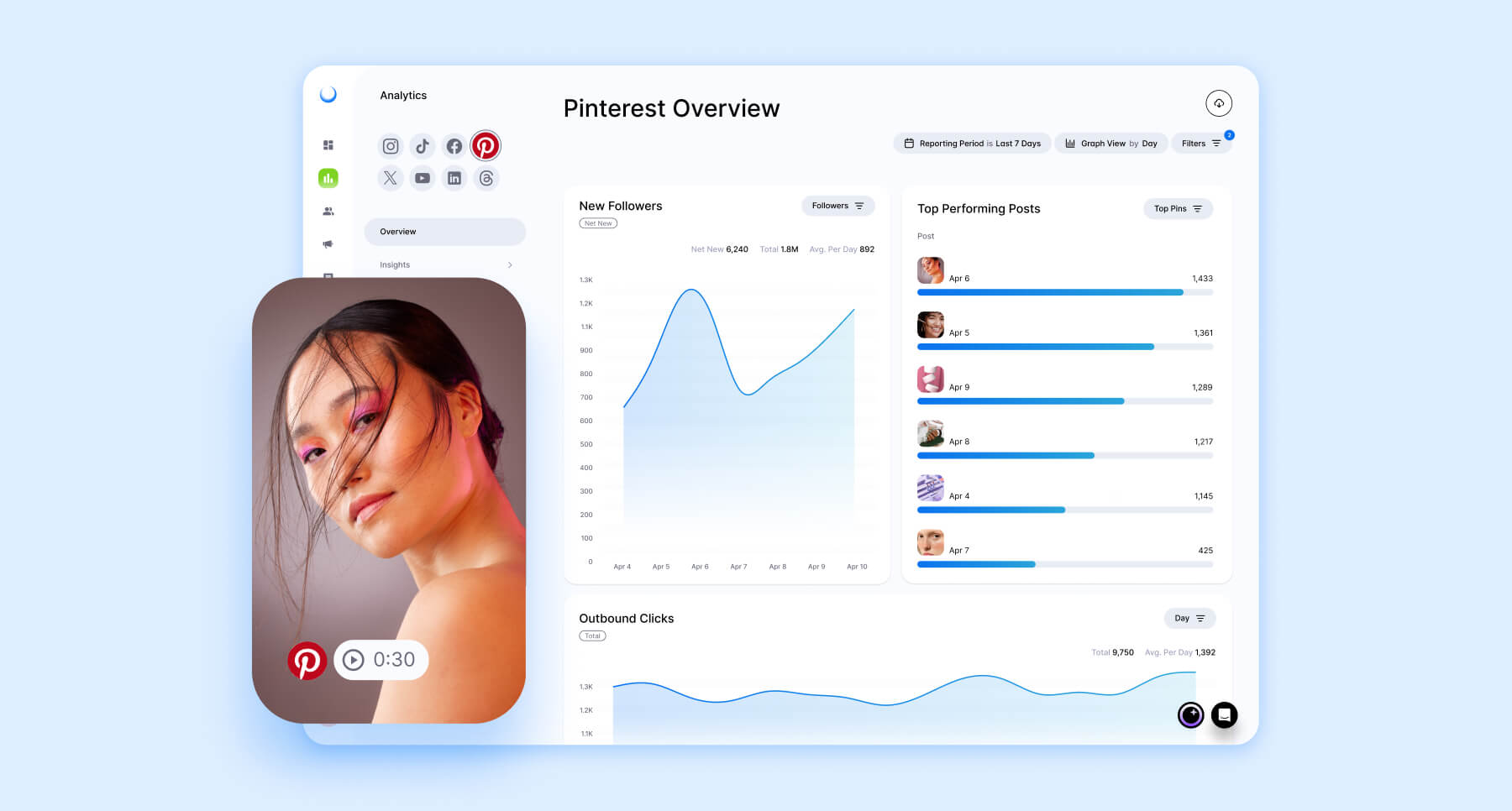
To effectively gauge your success on Pinterest, you need to monitor several key indicators. Reach shows how many people are seeing your Pins, while impressions measure how often your Pins are displayed. Engagement, including saves, closeups, and link clicks, reveals how users are interacting with your content. Finally, website traffic generated from Pinterest provides direct evidence of its effectiveness in driving conversions for AI-powered video downloading tool, Pin Video Downloader. Analyzing these metrics provides a holistic view of your Pinterest performance and areas for improvement.
Here’s a breakdown of essential metrics and how to track them:
- Impressions: This metric reflects the total number of times your Pins have appeared on Pinterest, indicating your potential visibility. A high impression count suggests your content is being shown frequently, but it doesn’t guarantee engagement.
- Reach: Unique views of your Pins, which shows the size of your audience.
- Engagement: This includes Pin saves (people saving your Pin), closeups (people clicking on your Pin for a closer look), and link clicks (people clicking through to your website). A high engagement rate indicates that your content is relevant and compelling to your target audience.
- Outbound Clicks: This shows how many people clicked through from your pins to your website, which directly impacts conversion.
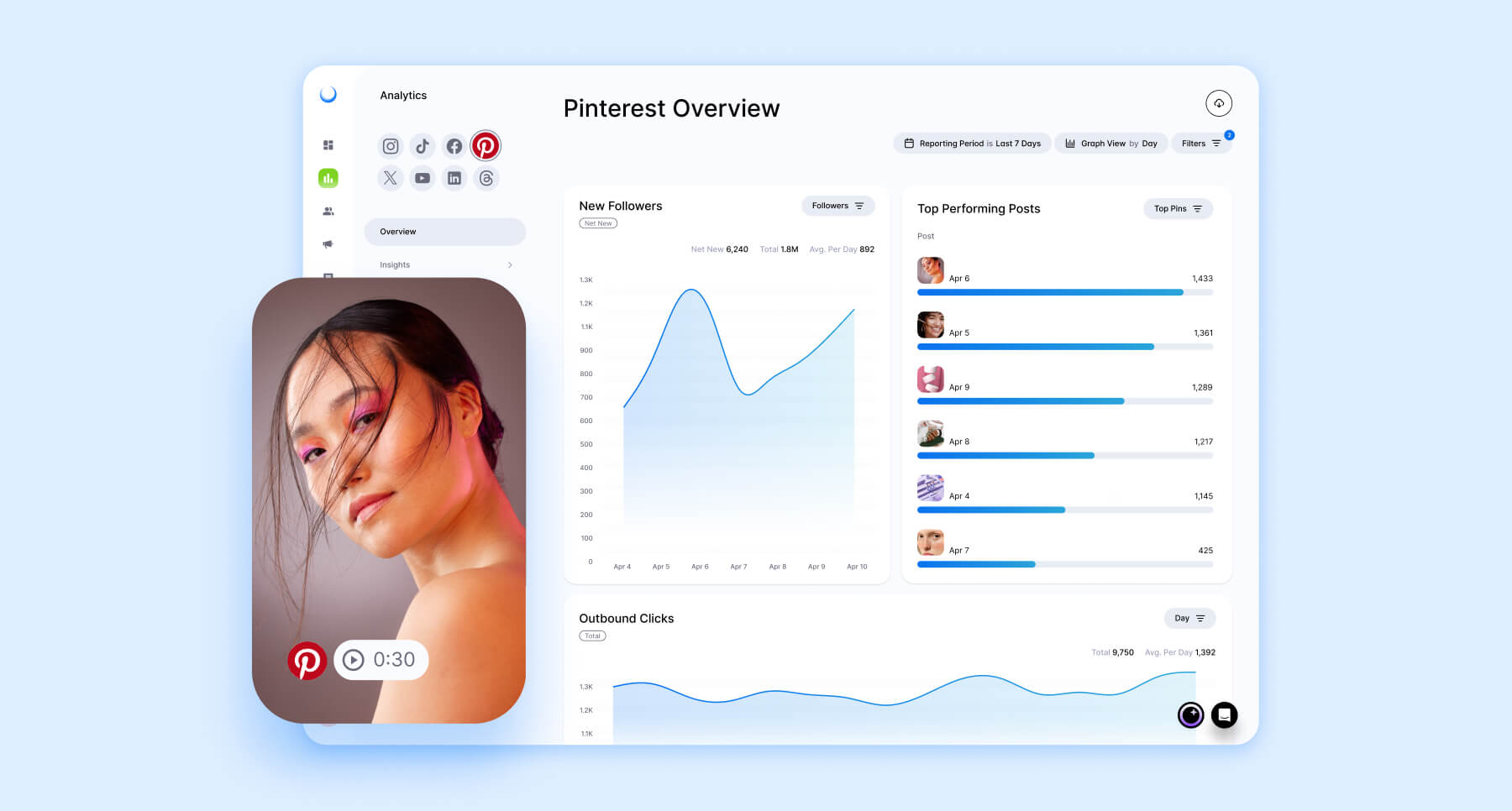
To monitor these key metrics, Pinterest Analytics provides a comprehensive dashboard with detailed data on your Pins, boards, and profile. Regularly reviewing this data allows you to identify trends, understand audience behavior, and make data-driven decisions to improve your Pinterest strategy. Furthermore, tools like Google Analytics can help you track the traffic coming from Pinterest to your website, giving you insight into the effectiveness of your Pins in driving conversions for Pin Video Downloader.
By consistently analyzing your Pinterest performance using these key metrics, you can fine-tune your strategy, create more engaging content, and ultimately achieve your desired results on the platform, such as increased brand awareness and higher website traffic for pinvideodownloader.net.
H2: Pinterest Content Strategy: Ideas and Inspiration for Engaging Posts
Developing a winning Pinterest content strategy is crucial for attracting a wider audience and boosting engagement; understanding what types of content resonate with your target demographic will drive meaningful results for your how to post on pinterest efforts. PinVideoDownloader.net aims to empower users with knowledge and tools to create captivating content, and this section dives into the specific ideas and inspirations needed for engaging posts. Crafting a successful strategy involves identifying trending topics, understanding user intent, and tailoring your content to meet those needs.
To effectively inspire your audience, consider leveraging various content formats that cater to different interests and needs.
- Tutorials and How-To Guides: Offer step-by-step instructions on topics related to your niche, such as video editing tips for PinVideoDownloader.net users, driving traffic to your website.
- Infographics: Present data and information in a visually appealing format, summarizing complex topics into easily digestible snippets.
- Behind-the-Scenes Content: Share a glimpse into your brand’s process, showcasing the people and work involved in creating your products or services.
- Quotes and Inspirational Content: Use visually appealing graphics with motivational quotes to resonate with users seeking inspiration.
- Curated Collections: Create boards dedicated to showcasing the best content from around the web related to a specific theme or topic.
Analyzing your competitor’s successful pins and boards can unlock valuable insights. Identify top-performing content, assess the visual style and themes they employ, and adapt those elements to develop content ideas, ensuring alignment with your brand identity. By paying attention to what is already working, you can identify gaps in the market and refine your Pinterest content strategy for maximum engagement.
Staying current with Pinterest trends is also crucial for maximizing reach and visibility. Tools like Pinterest Trends can help you identify popular topics and keywords, ensuring your content remains relevant. This data-driven approach allows you to capitalize on emerging interests and tailor your Pinterest posts to attract a wider audience seeking inspiration and solutions.